LinuxHub Prime Installer Guide. LinuxHub Prime uses it's own custom curated installer using archinstall and custom scripts to achieve its installation goal.

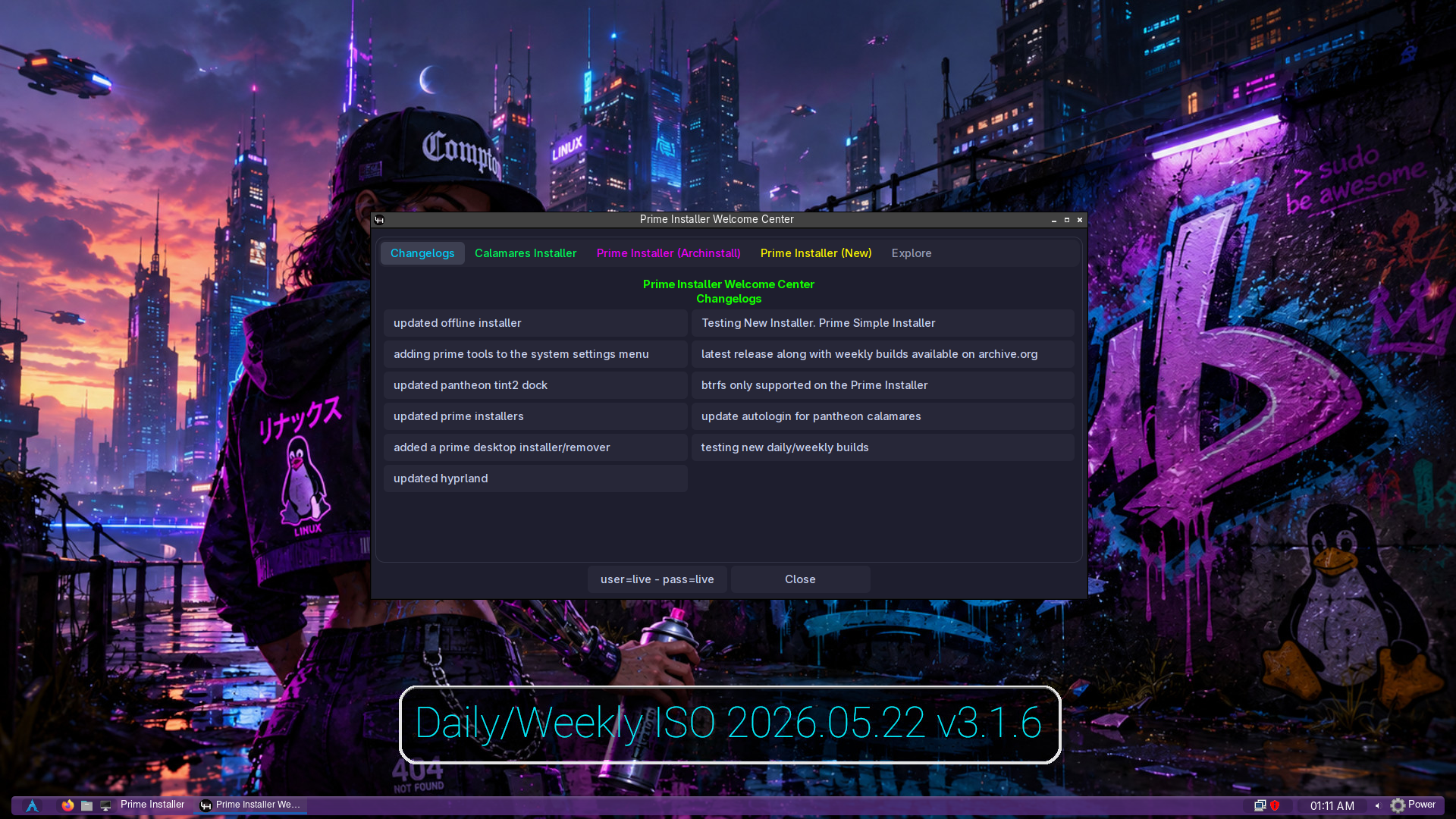
The Prime Installer has a unique feature that allows it to be updated from the ISO image so it can be fixed if issues arise due to dependency issues from Arch Linux. Please note that images may change with each release but the basic functions will remain the same. This method is preferred instead of using the Calamares installer due to constant dependency issues caused by the rolling release policy of Arch Linux. However, The Calamares Installer will be available starting with v3.1.1


LinuxHub Prime Installer Guide
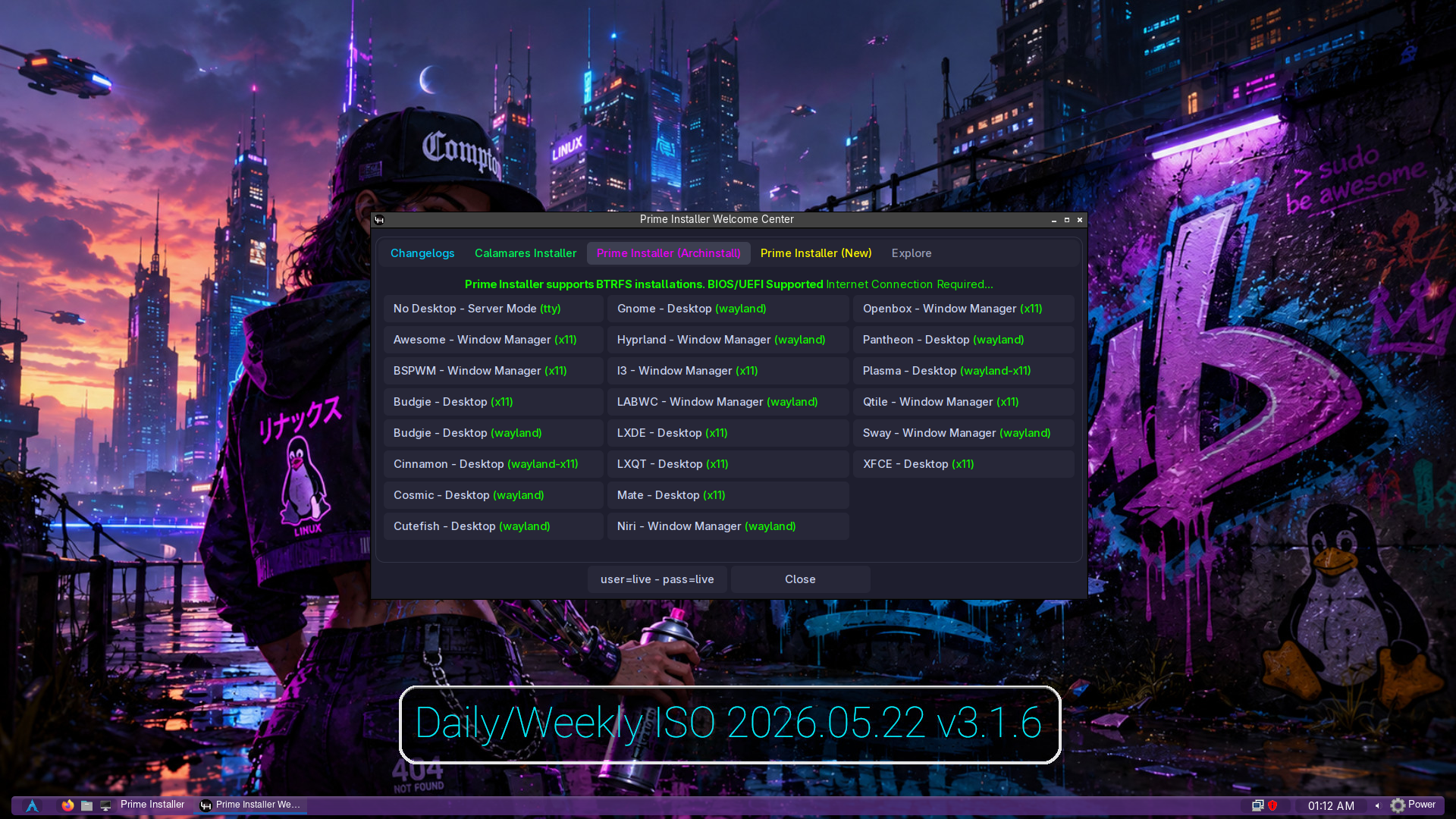
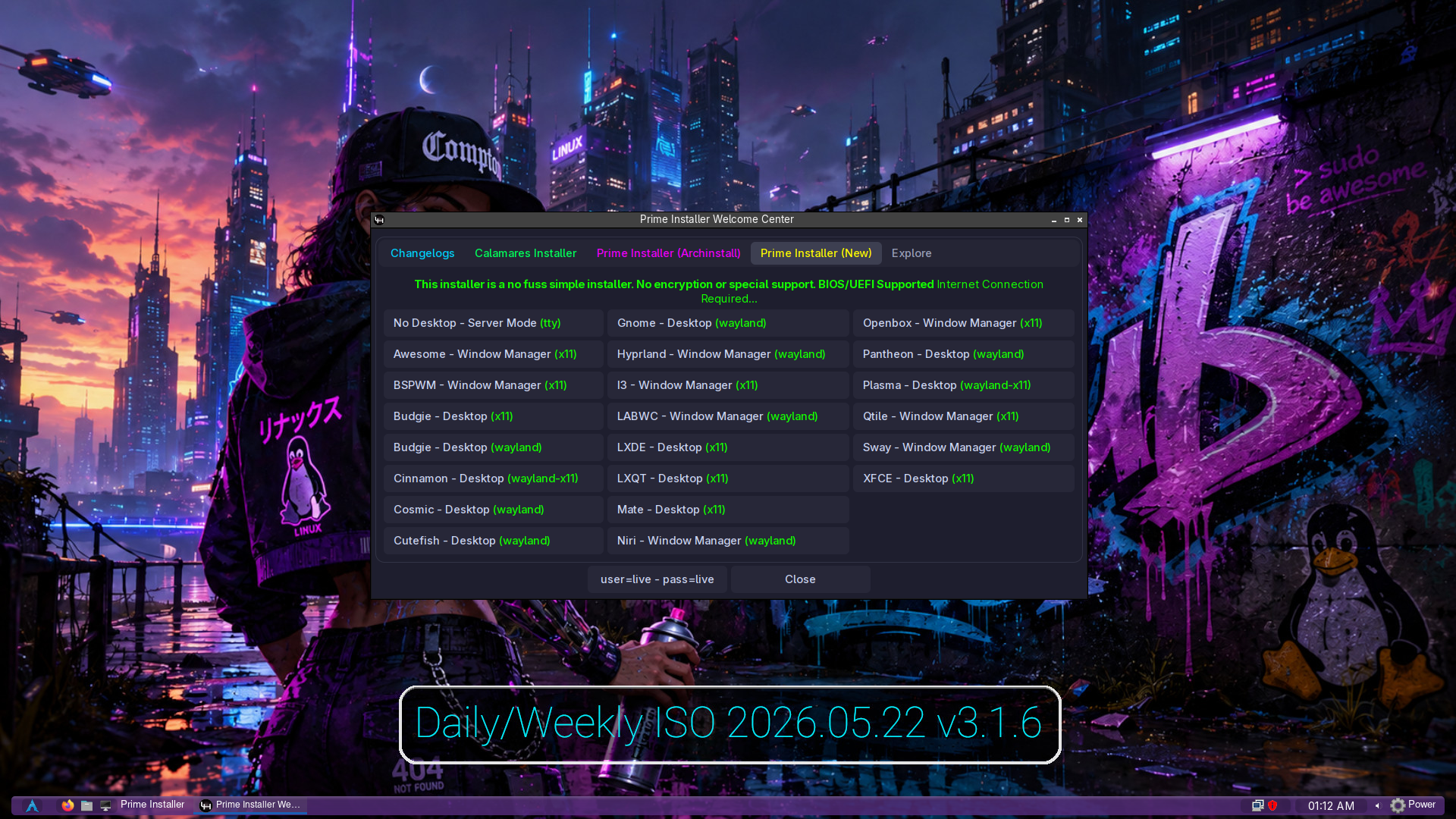
A Internet connection is required:


Select Desktop/Window Manager environment:


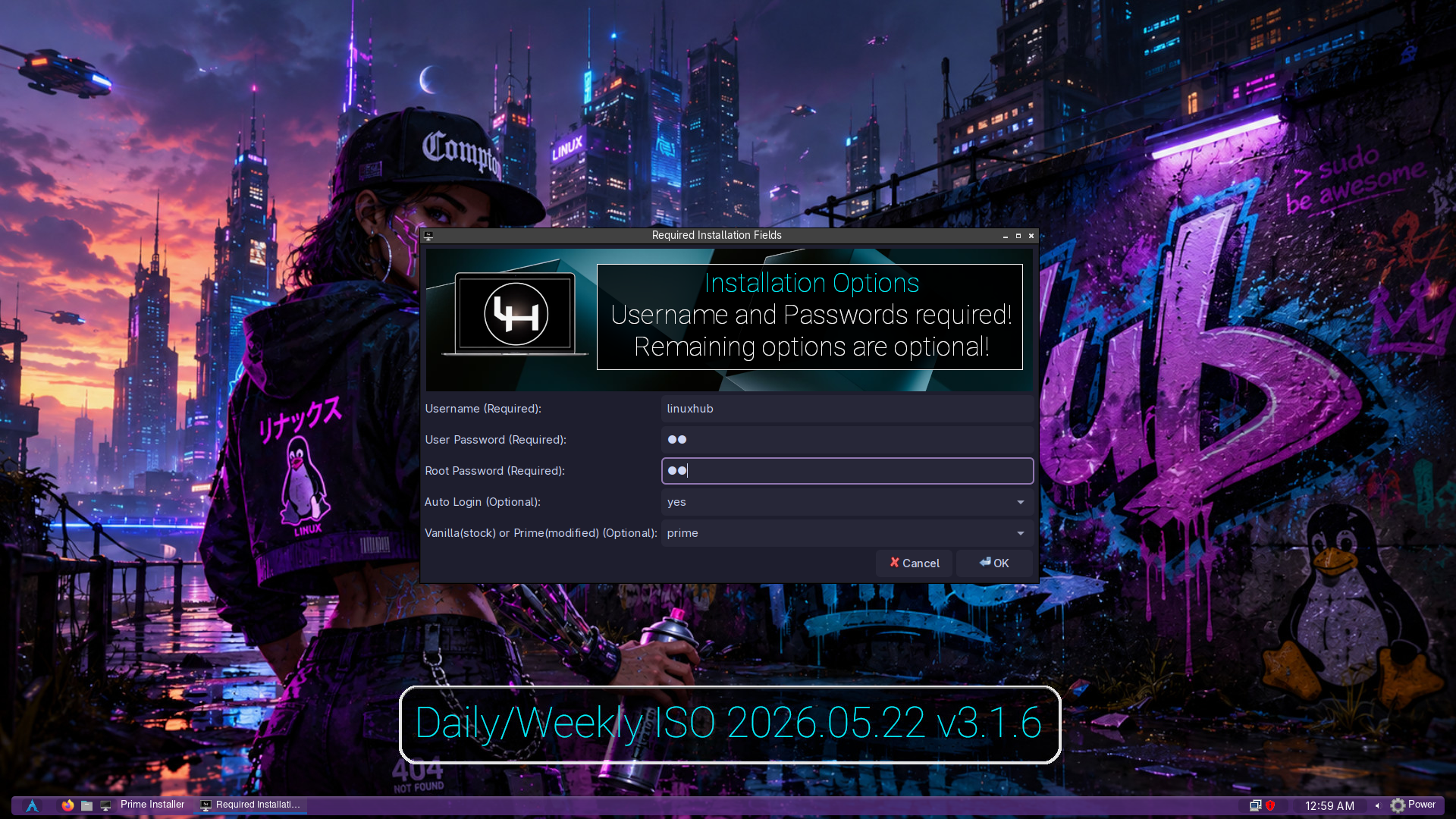
Required Installation Fields:
Updated December 15 2025:

Vanilla or Prime Desktop Options added
Vanilla is the Desktop in its Original Form
Prime is the Desktop with Prime Edits and Customizations

Set up disk:
step 1: Press enter on keyboard.


step 2: Select the Default partition layout. first option. This is the easiest option.


step 3: Select the drive to install to.


step 4: Select Filesystem. "ext4" is recommended but use whatever you like.


step 5: Begin Installation. Navigate back to first screen. Highlight "Install" then press enter on your keyboard.


step 6: Confirm Installation. press enter on your keyboard.


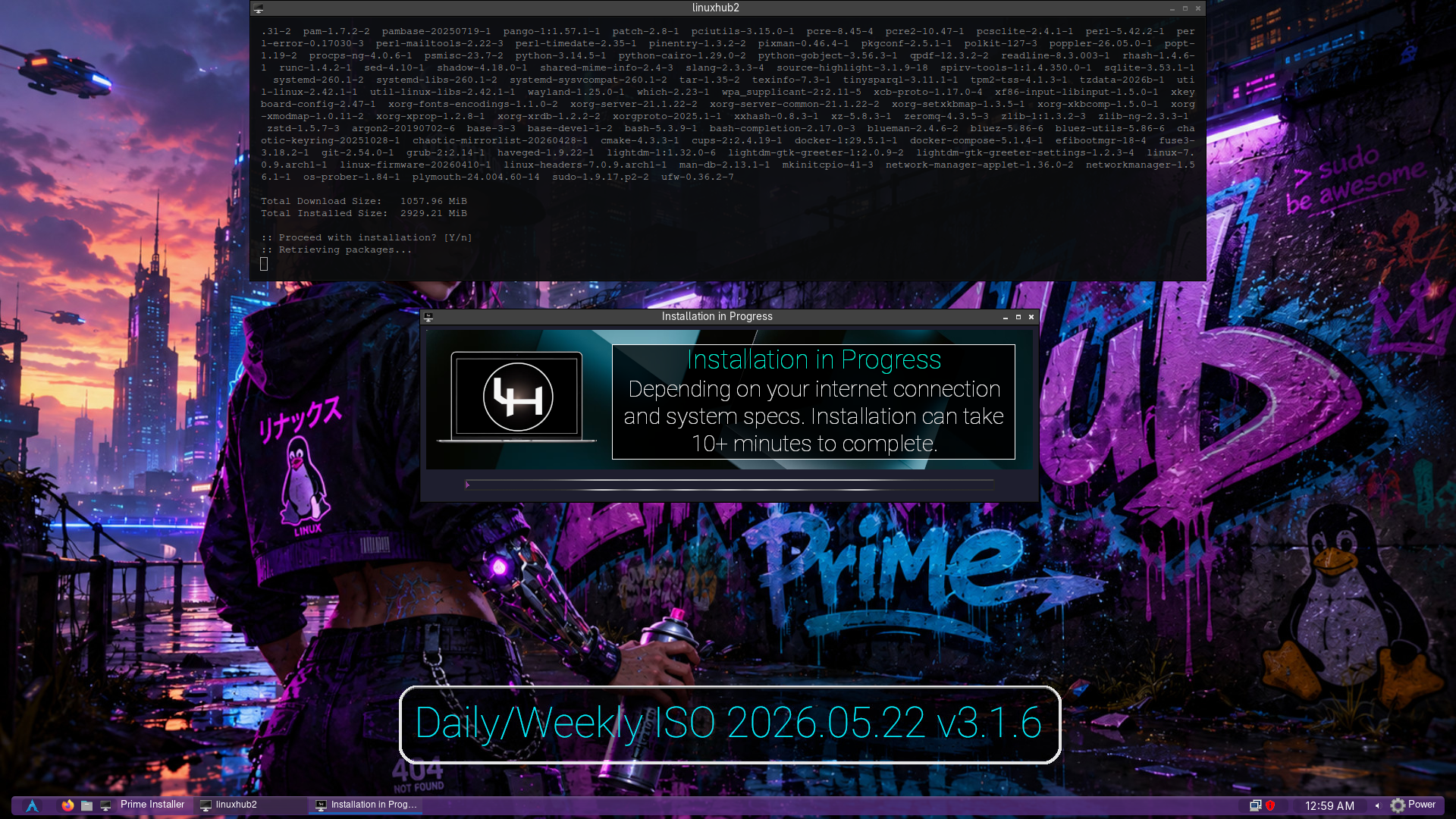
Installation will now proceed.


Final Step: Reboot into your new system.


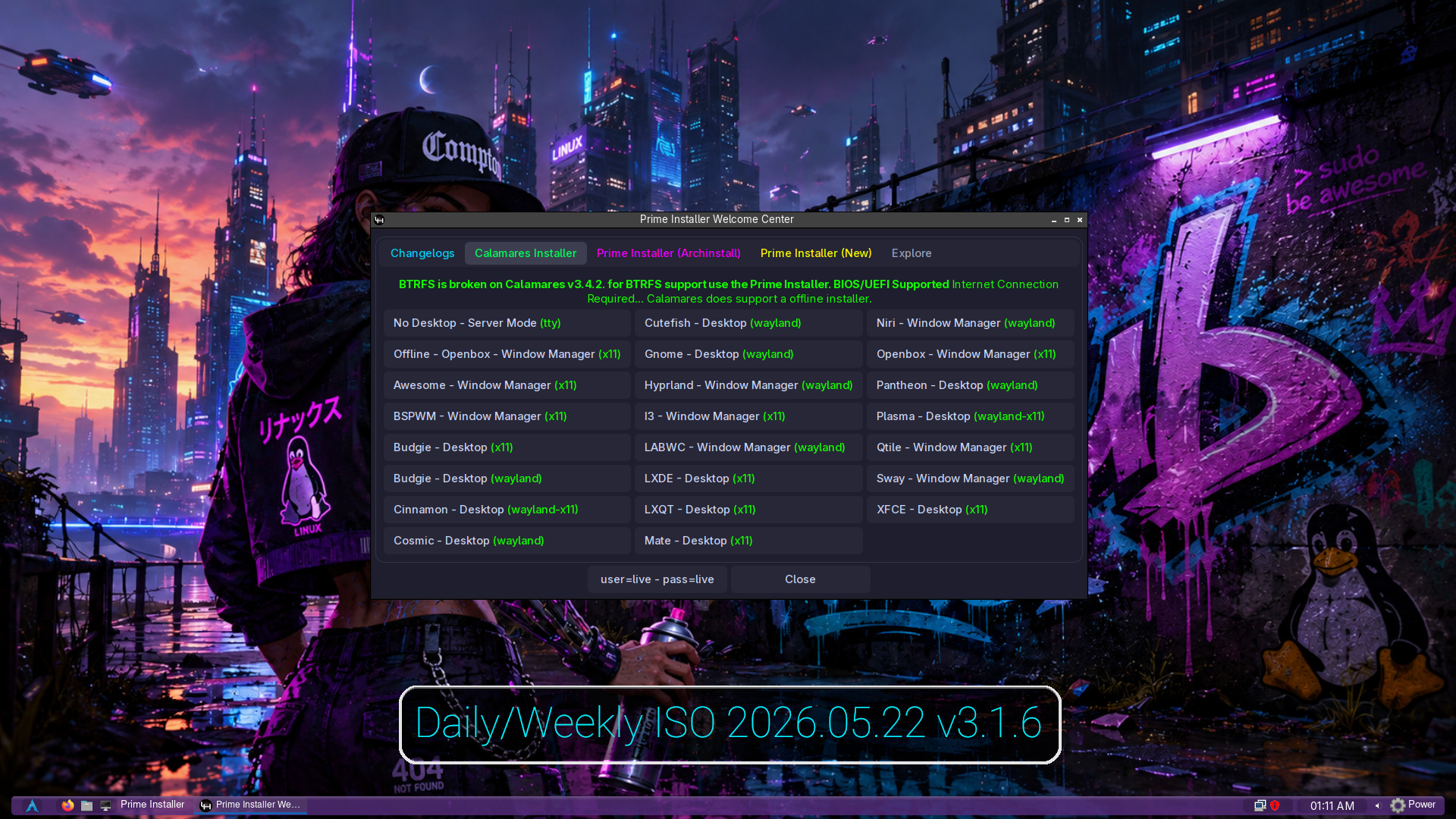
Calamares Installer:

v3.1.1 will include the Calamares Installer
All Desktop options will be available on the Calamares Installer and will include a offline option

Select Calamares Installer:


Vanilla or Prime Desktop Options added
Vanilla is the Desktop in its Original Form
Prime is the Desktop with Prime Edits and Customizations

Then proceed with the Calamares Installer
Step 01: Select Timezone Location


Step 02: Select Keyboard Layout


Step 03: Set Up Drive Options


Step 04: Add User Info


Step 04: Proceed with Installation


The Installer will do the rest!